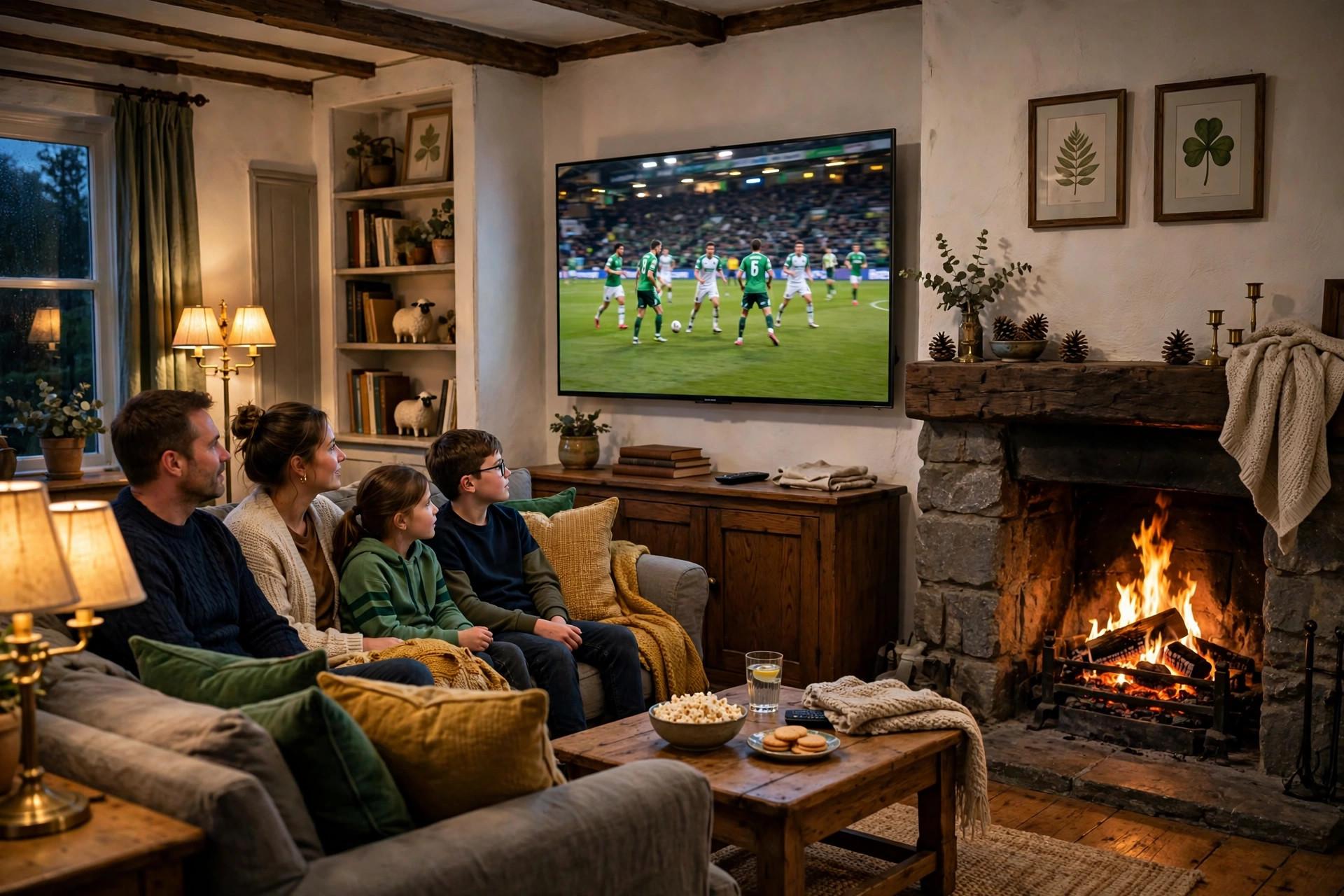
For anyone comparing iptv apple tv ireland, the details below are the ones that matter: channels, prices and the trial. Apple devices are the second screen for many Irish households — the iPhone on the train to Dublin, the iPad in the kitchen, the Apple TV 4K in the sitting room. IPTV Smarters Pro runs on all three with the same login, so the subscription on the main television also works on the phone in your pocket. It has a built-in player, a TV guide, favourites, catch-up and picture-in-picture, and it is free to install from the App Store.
This guide covers IPTV Smarters Pro on iPhone, iPad and Apple TV in Ireland with a 4K Media Ireland subscription. The login is the Xtream Codes API method: a username, a password and a server URL, sent on WhatsApp when you start the free 24-hour trial or buy a plan. Message +212 604 034 330, say you use Apple devices, and the details arrive within minutes. No card is needed for the trial.
IPTV Apple TV Ireland: iPhone: IPTV in your pocket
Install IPTV Smarters Pro from the App Store on your iPhone, open it, and choose Login with Xtream Codes API. Enter the username, password and server URL exactly as sent on WhatsApp — the password is case-sensitive — and tap Add User. The channels, films, series and EPG load in the background. Favourite RTÉ One, RTÉ2, Virgin Media One, TG4, Sky Sports Premier League and TNT Sports 1 so the Saturday routine is one tap, not a search.
On an iPhone, the practical features are picture-in-picture and AirPlay. Picture-in-picture keeps the match in a corner of the screen while you check messages or the train times — handy for a Saturday 12:30 game on the way to Dublin. AirPlay sends the picture to any AirPlay television or speaker with one tap. The stream works over Wi-Fi and mobile data, though a full match in 4K over mobile data will use several gigabytes, so use Wi-Fi or drop the quality to Full HD when you are out. The Smarters guide covers the app in full.
iPad: the kitchen and bedroom television
The iPad is the second television in many Irish houses: the kitchen at breakfast, the bedroom at night, the children's room for cartoons. IPTV Smarters Pro on iPad has a bigger guide than on iPhone, and the multi-screen view shows two or four channels at once — the early game and the late game side by side on a Saturday. Set up favourites the same way, and use the same login as the main television. A tablet stand in the kitchen turns the iPad into a small television for Ireland AM and the Six One News.
For children, use the app's parental controls and the VOD section: 185,000+ movies and 49,000+ series on Premium include family films and children's series, and the adult channels are optional and PIN-protected. If the iPad is shared, create the favourites list once and leave it — the channels your house watches are the same on every device. The movies and series guide shows how to find family films fast.
Apple TV: the main screen
Apple TV 4K is the best Apple device for the sitting room. Install IPTV Smarters Pro from the App Store on the Apple TV itself, log in with the same Xtream Codes details, and the full channel list appears on the big screen. The Siri Remote makes the EPG easy to use, and the Apple TV's upscaling makes Full HD channels look sharp on a 4K television. Use a wired Ethernet connection to the Apple TV for the steadiest 4K picture — the Apple TV has an Ethernet port, and a cable removes Wi-Fi from the problem on derby day.
If you prefer TiviMate-style navigation, iPlayTV is the alternative player on Apple TV, with a similar Xtream Codes login. Either way, the subscription is the same: Premium $19.99 a month or $99.99 for 12 months, Basic $14.99 a month or $59.99 for 12 months. The installation page covers Apple TV step by step, and the buffering guide covers the fixes if the picture ever freezes.
AirPlay, data use and multi-device plans
AirPlay is the bridge between the phone and the television: start a match on the iPhone, tap AirPlay, and it appears on the Apple TV or any AirPlay-compatible television. It is the simplest way to watch on a television that has no IPTV app of its own. On mobile data, watch the data use: an hour of Full HD uses roughly 1 to 2 GB, and 4K uses roughly 7 GB an hour, so a full Premier League weekend on mobile data alone would use a large part of a monthly allowance. Use Wi-Fi where you can, and drop to Full HD on the train.
Multi-device annual plans fit an Apple household: Premium for 12 months on two devices is $159.99, three devices $224.99 and four devices $269.99, so the Apple TV, an iPhone and an iPad can all watch at once. The prices guide has the full list, and the free trial guide explains how to test the Apple setup before you pay.
The free 24-hour trial: how it works in Ireland
Every 4K Media Ireland plan starts with the same offer — 24 hours free, no card, no commitment. Send a WhatsApp message to +212 604 034 330 and say which device you watch on: Firestick, Samsung or LG Smart TV, Android TV, iPhone, Apple TV or a MAG box. Support sends your login details, you open your player app, and the channels load. The whole thing takes about a minute once the message is answered.
Test the channels that matter to you, not the ones on a sales page. If you live for the GAA, watch a full championship match. If Saturday is Premier League day in your house, run the trial on a Saturday. Check catch-up, the EPG and a film in 4K, then decide. The trial costs nothing and ends by itself — there is no automatic charge, because no card was ever taken.
Apple setup checklist
- Install IPTV Smarters Pro from the App Store on iPhone, iPad or Apple TV.
- Choose Login with Xtream Codes API.
- Enter the username, password and server URL from WhatsApp.
- Tap Add User and wait for channels and the EPG to load.
- Favourite RTÉ One, RTÉ2, Virgin Media One, TG4, Sky Sports and TNT Sports.
- Use AirPlay to the TV, picture-in-picture on iPhone, multi-screen on iPad.
Apple TV 4K: the box that suits IPTV best
The Apple TV 4K is the most polished way to watch IPTV on a main television. It is a small black box that sits under the television, runs the same apps as an iPhone, and is controlled by a remote that doubles as a touchpad. IPTV Smarters Pro is available from the App Store, and the login takes a minute with the iPhone keyboard. The picture is consistently the sharpest of any streaming box, because the Apple TV handles 4K, HDR and Dolby Vision properly, and the interface is fast enough that the guide never lags. It costs more than a Firestick, and for the main television in the house it is worth it.
The Apple TV also fits a house that already uses Apple. Photos from the iPhone appear on the television, the Apple TV app gathers the films and series from every service in one place, and AirPlay sends a match from the phone to the television in one tap. The remote is the weak point: it is small, symmetrical and easy to lose down the sofa, and a silicone case helps. Keep the box updated through Settings, System, Software Updates, and keep the login details in a phone note in case an update signs the app out. The Smarters Pro guide covers the app setup in detail.
iPhone and iPad: data, battery and AirPlay
The iPhone is the pocket television for the commute and the kitchen. IPTV Smarters Pro from the App Store turns the phone into a full IPTV player, with the same channels and guide as the television. Two things matter on mobile data. First, a 4K stream eats a data allowance fast: an hour of 4K can use several gigabytes, so drop to HD or standard definition when you are off Wi-Fi, and download nothing over mobile data. Second, the battery: an hour of streaming takes a real share of a charge, so carry a cable on a long train journey. On Wi-Fi at home, none of this matters, and the phone is the second screen the house reaches for first.
The iPad is the better second screen. A ten-inch screen in the kitchen or the bedroom is big enough for a match, and the battery lasts a full game without a cable. AirPlay is the bridge between the two: start a match on the iPhone, tap the AirPlay button, and it appears on the Apple TV or on a compatible Samsung or LG television. The free trial guide suggests testing the login on the phone as well as the television, because the trial is the time to find out whether the mobile app suits you.
Apple TV settings for the sharpest picture
Three settings make the Apple TV picture its best. First, video format: set it to 4K HDR or 4K SDR to match the television, and turn on Match Content for dynamic range and frame rate, so the box changes its output to suit what is playing instead of forcing everything into one format. Second, audio: set it to Auto and let the box and the soundbar sort out the format between them. Third, the screensaver: turn off the aerial screensaver during a match, because it starts after a few minutes of what the box thinks is inactivity on some apps. These take two minutes to set and last for the life of the box.
- Apple TV 4K: the sharpest picture of any streaming box, best for the main television.
- Install IPTV Smarters Pro from the App Store and log in with the iPhone keyboard.
- Turn on Match Content for dynamic range and frame rate in the video settings.
- Drop to HD on mobile data; an hour of 4K uses several gigabytes.
- Carry a charging cable; an hour of streaming takes a real share of battery.
- AirPlay sends a match from the iPhone to the television in one tap.
- Keep the login details in a phone note in case an update signs the app out.
- A silicone case stops the small remote disappearing down the sofa.
Sharing the subscription with the family
Apple makes sharing easy, and IPTV fits the same pattern. Family Sharing on the iPhone lets the household share apps and purchases, and the IPTV login is shared the same way: one subscription, the login on each family member's device, within the device limit of the plan. A two-device plan covers the parents, a three-device plan adds a teenager, and a four-device plan covers the whole house. The parental controls in the app keep the adult channels behind a PIN, so sharing the login with a teenager does not mean sharing everything.
The practical side is the device list. Keep a note of which device holds which login, and remove a device from the plan when it is replaced, so the device count stays honest. A phone that is traded in should be signed out first, and a new phone takes the same login in a minute. The prices guide lists the multi-device plans, and the Smarters Pro guide covers the parental PIN that makes sharing safe.
- Two devices at $159.99 a year on Premium covers the parents.
- Three devices at $224.99 adds a teenager; four at $269.99 covers the house.
- Set a parental PIN before sharing the login with younger viewers.
- Sign out of a phone before trading it in.
- Keep a note of which device holds the login.
- The same login works on iPhone, iPad and Apple TV.
Prices in Ireland: Basic vs Premium
| Plan | 1 month | 3 months | 6 months | 12 months | 12 mo, 2 devices | 12 mo, 3 devices | 12 mo, 4 devices |
|---|---|---|---|---|---|---|---|
| Basic | $14.99 | $24.99 | $39.99 | $59.99 | $109.99 | $159.99 | $199.99 |
| Premium | $19.99 | $49.99 | $79.99 | $99.99 | $159.99 | $224.99 | $269.99 |
One login, every Apple device — the iPhone on the train, the iPad in the kitchen, the Apple TV in the sitting room. Set it up with the free 24-hour trial, favourite the Irish channels, and test it on a Saturday. Compare plans, read the Smarters guide, or message support on WhatsApp for your login.