This page covers iptv android tv box ireland properly — real channels, real prices, and a free trial you can test tonight. An Android TV box turns any television into a smart television, and it is the device of choice for Irish viewers who want the best IPTV experience. The reason is the app store: Google Play on Android TV carries TiviMate and IPTV Smarters Pro, the two best player apps, with a proper TV guide, favourites and catch-up. A box costs less than a night out, it plugs into any HDMI port, and it works on the old television in the spare room as well as the main set.
This guide covers Android TV boxes in Ireland with a 4K Media Ireland subscription: which boxes are worth buying, how to set up TiviMate and IPTV Smarters Pro, and how to get the best picture. The login is the Xtream Codes method — a username, a password and a server URL from WhatsApp. Start with the free 24-hour trial: message +212 604 034 330, say you use Android TV, and the details arrive within minutes.
IPTV Android TV Box Ireland: Which Android TV box to buy in Ireland
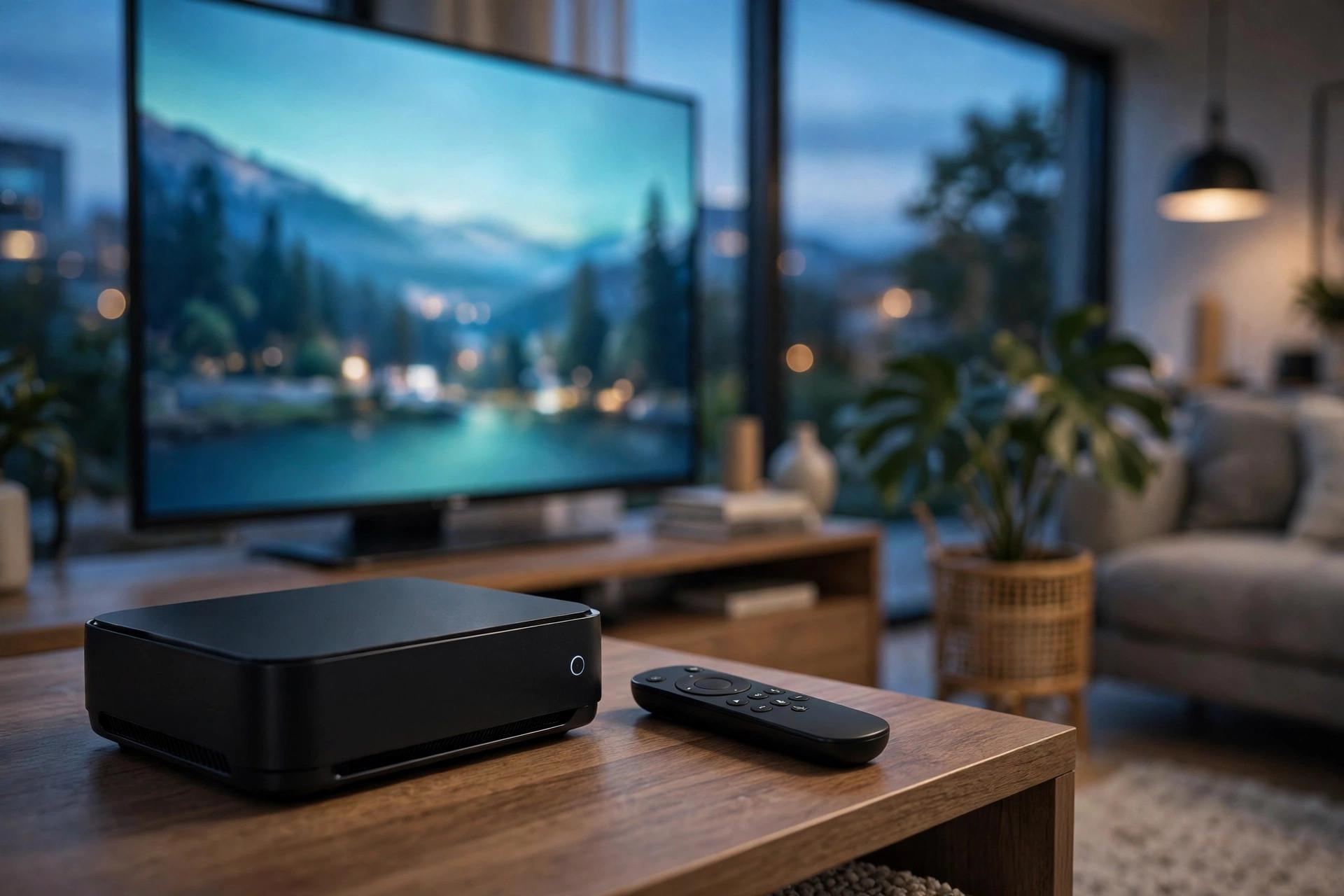
The Nvidia Shield TV Pro is the best Android box you can buy, and it is the one support recommends for 4K. Its processor handles 4K, the EPG and upscaling better than any other box, and TiviMate runs fast on it. It costs more than the others, but it lasts for years. The Google TV Streamer and the Chromecast with Google TV are the sensible mid-range choices: Google Play, TiviMate, 4K, and a remote that works well. Cheaper no-name boxes from online marketplaces are a gamble — slow chips, old Android versions and Wi-Fi that drops during matches.
If your television is already an Android TV — Sony Bravia, Philips, TCL or Hisense — you do not need a box at all: install TiviMate or IPTV Smarters Pro from the Play Store on the television itself. The Smart TV guide covers the television setup. Whatever you buy, check it runs Android TV 11 or newer and has Google Play, or the player apps will not install properly.
Set up TiviMate on Android TV
Install TiviMate from Google Play on your Android TV box, open it, and choose Add Playlist, then Xtream Codes login. Enter the username, password and server URL from WhatsApp exactly as sent, tap Add, and the channel list downloads. The EPG follows in the background — give it a few minutes on the first run. Go to Settings, TV Guide, and set the EPG to update overnight every 24 hours, so the guide is fresh every morning.
Favourite the channels your house watches: RTÉ One, RTÉ2, Virgin Media One, TG4, Sky Sports Premier League, Sky Sports Main Event, TNT Sports 1 and Premier Sports. Long-press a channel on the remote to add it, then set the guide to show favourites first. The TiviMate guide covers favourites, catch-up and recording in detail, and the Firestick guide covers the alternative device.
Set up IPTV Smarters Pro on Android TV
IPTV Smarters Pro is the alternative on Android TV, and the choice for households that also use phones and tablets. Install it from Google Play, choose Login with Xtream Codes API, enter the same three details, and tap Add User. The interface is the same as on Android phones, so a playlist set up on the box is familiar on the phone. Smarters Pro has a built-in player, a TV guide, favourites, catch-up and multi-screen viewing for two or four channels at once.
The difference between the two players is feel: TiviMate has the better guide and remote layout on a television; Smarters Pro works on more devices with one login. The subscription is the same either way — Premium $19.99 a month or $99.99 for 12 months, Basic $14.99 a month or $59.99 for 12 months — and both players work with the same trial. The Smarters guide has the full walkthrough.
Getting 4K right on an Android box
A 4K stream wants 25 Mbps at the box, and the box wants a steady connection. Use an Ethernet cable to the Nvidia Shield or Google TV Streamer where you can — both have Ethernet, and a cable removes Wi-Fi from the problem on derby day. If you must use Wi-Fi, use the 5 GHz network with the router in the same room. Check the box's display settings: set the resolution to 4K at 50Hz or 60Hz to match Irish and UK broadcasts, and turn on match-content frame rate if the box offers it.
If the picture stutters, check the player settings first: in TiviMate, switch the decoder between hardware and software and see which is smoother on your box. Update the box and the app — old versions have bugs that newer ones fixed. If the box is more than four years old and struggles with 4K and the EPG, the processor is the limit, not the service, and a newer box is the fix. The buffering guide covers every step.
Test it free for a full day, then decide
Paying for a year of television you have never seen makes no sense, which is why the trial comes first. Message 4K Media Ireland on WhatsApp (+212 604 034 330), get your 24-hour login, and watch everything Premium includes: 57,000+ channels, 185,000+ movies and 49,000+ series, in HD, Full HD, 4K and 8K. No card is needed, and the trial switches off on its own after 24 hours.
A good trial has a plan behind it. Pick the busiest evening you can — a Saturday with a 5:30 Premier League match, or a Sunday with two championship games back to back — and watch on the biggest screen in the house. Flick between RTÉ2, Virgin Media One, Sky Sports Main Event and TNT Sports, open the guide, try a film. If it works at the busiest hour, it works. Then pick Basic or Premium on the plans page and keep the same login.
Android TV setup checklist
- Buy a box with Android TV 11+ and Google Play — Shield, Google TV Streamer or Chromecast.
- Install TiviMate or IPTV Smarters Pro from Google Play.
- Add Playlist → Xtream Codes login → username, password, server URL.
- Wait for the channel list, then the EPG (a few minutes on first run).
- Favourite RTÉ One, RTÉ2, Virgin Media One, TG4, Sky Sports and TNT Sports.
- Use Ethernet or 5 GHz Wi-Fi; set the box to 4K at 50/60Hz.
Boxes worth buying in Ireland
The Android TV box market is crowded, and most of the cheap boxes are not worth the money. Three are worth buying in Ireland. The Nvidia Shield TV Pro is the best box available: fast, reliable, 4K with Dolby Vision, and it runs TiviMate and IPTV Smarters Pro beautifully. The Chromecast with Google TV is the value choice, small and cheap, with a proper remote and the Google TV interface that gathers every service in one place. The Xiaomi TV Box S, second generation, is the budget pick that still works properly, with 4K and a clean remote. All three are on sale at Amazon.ie, Currys and Harvey Norman, and all three will still be getting updates in two years, which is more than can be said for a no-name box from a marketplace.
The Firestick is the fourth option, and for many houses it is the right one. The Fire TV Stick 4K Max is cheaper than the Shield, faster than the Xiaomi, and runs the same apps. The difference is the interface: Fire TV pushes Amazon content first, while Google TV and the Shield stay more neutral. If the house already uses Amazon, the Firestick fits. If the house uses Google, the Chromecast fits. Either way, buy from a shop with a returns desk, keep the receipt, and avoid any seller offering a box already loaded with apps. The Firestick guide covers the stick setup step by step.
Android TV vs Google TV vs a cheap no-name box
Android TV and Google TV are the same system with a different coat on. Android TV is the older interface, found on Sony, Philips, TCL and Hisense televisions and on the Shield. Google TV is the newer interface on the Chromecast and on newer Sony sets, and it adds a home screen that recommends shows from every app you use. Both run the same apps, both take the same logins, and both are updated by Google. The choice between them is the choice of the remote and the home screen, not the channels. A cheap no-name box is a different thing entirely: an old version of Android, no updates, a remote that feels like a toy, and an app store that may not carry TiviMate at all.
The no-name box is the trap of this market. It costs half the price of a Chromecast, and it costs twice as much in the end, because it freezes, it loses the Wi-Fi, and it stops getting updates within a year. The signs are easy to spot: a brand you have never heard of, a listing that promises thousands of free channels, and a seller with no address in Ireland or the EU. Spend the extra thirty euro on a Chromecast or a Firestick and the box will still be working when the next television arrives. The Smart TV guide covers the built-in apps on Samsung and LG sets for houses that need no box at all.
Storage, updates and keeping the box fast
An Android box slows down for the same reasons a phone does: full storage and old software. The Shield has plenty of room, but the Chromecast and the Xiaomi have little, so clear the cache of each streaming app once a month and delete any app you have not opened in weeks. Keep the system updated: Settings, System, About, System Update on Google TV, and the same path on the Shield. A restart once a week from the settings menu clears the memory and keeps the guide fast. None of this takes more than five minutes, and it is the difference between a box that feels new and one that feels tired.
- Nvidia Shield TV Pro: the best box, fastest, 4K with Dolby Vision.
- Chromecast with Google TV: the value choice, proper remote, clean interface.
- Xiaomi TV Box S 2nd Gen: the budget pick that still works properly.
- Fire TV Stick 4K Max: the Amazon alternative, cheaper than the Shield.
- Avoid no-name boxes: old Android, no updates, apps that stop working.
- Buy from Amazon.ie, Currys or Harvey Norman and keep the receipt.
- Clear app caches monthly and keep at least a gigabyte of storage free.
- Restart the box once a week from the settings menu.
The remote, the keyboard and the living-room test
The remote decides whether a box feels good to live with. The Shield remote is backlit and simple, the Chromecast remote is small and light with a dedicated button for the services you use, and the Xiaomi remote is plain but does the job. The test that matters is the living-room test: hand the remote to someone who has never used the box and ask them to find RTE One. If they find it in under a minute, the box passes. If they need help, the interface is fighting the viewer, and the box will gather dust. A cheap wireless keyboard with a touchpad helps on the first evening for typing logins, then goes back in the drawer.
Voice search is the shortcut most people never try. Hold the microphone button on the remote and say the channel name, and the box opens the guide on it. It works in the TiviMate and Smarters Pro apps, and it is faster than typing with a remote. The TiviMate guide covers the app settings, and the Firestick guide covers the same job on the Amazon stick, which many houses use alongside an Android box.
- Hand the remote to a new user: RTE One in under a minute is a pass.
- Shield remote: backlit and simple; Chromecast remote: small and light.
- Use a cheap wireless keyboard for typing logins on the first evening.
- Hold the microphone button and say the channel name to find it fast.
- Voice search works in TiviMate and Smarters Pro.
- Keep the remote somewhere fixed; a lost remote is the commonest complaint.
Prices in Ireland: Basic vs Premium
| Plan | 1 month | 3 months | 6 months | 12 months | 12 mo, 2 devices | 12 mo, 3 devices | 12 mo, 4 devices |
|---|---|---|---|---|---|---|---|
| Basic | $14.99 | $24.99 | $39.99 | $59.99 | $109.99 | $159.99 | $199.99 |
| Premium | $19.99 | $49.99 | $79.99 | $99.99 | $159.99 | $224.99 | $269.99 |
The right box makes the difference between a service that works and a service that fights you. Pick a Shield or a Google TV Streamer, set up TiviMate with the free 24-hour trial, and test it on a Saturday. Compare plans, read the TiviMate guide, or message support on WhatsApp for your login details.